Load maps and vehicles in a session
Use the player's Content panel to add a map or vehicle, install it in the running game, load a level and spawn a vehicle.

You can bring maps and vehicles into a running session from the player, without going back to the dashboard. Anything you add is also saved to your cloud library, so it's there in your next session too.
Open the Content panel
In the player, move the pointer to the top of the tab and choose Content in the toolbar. The Your content panel opens beside the game.
Add a map or vehicle
- Under Add a level or vehicle, drop a BeamNG map or vehicle
.zip, or click to choose one. - The panel shows the upload's progress. The file is saved to your cloud library and installed in this game.
If the same file is already in your library, the panel says Already in your library and uses the copy you have. Only one upload runs at a time.
Load a map
Each map in your library has a Load button. It installs the map in this game if needed, then loads the level. Loading can take a minute. You can also pick an installed map from the game's own level list.
Spawn a vehicle
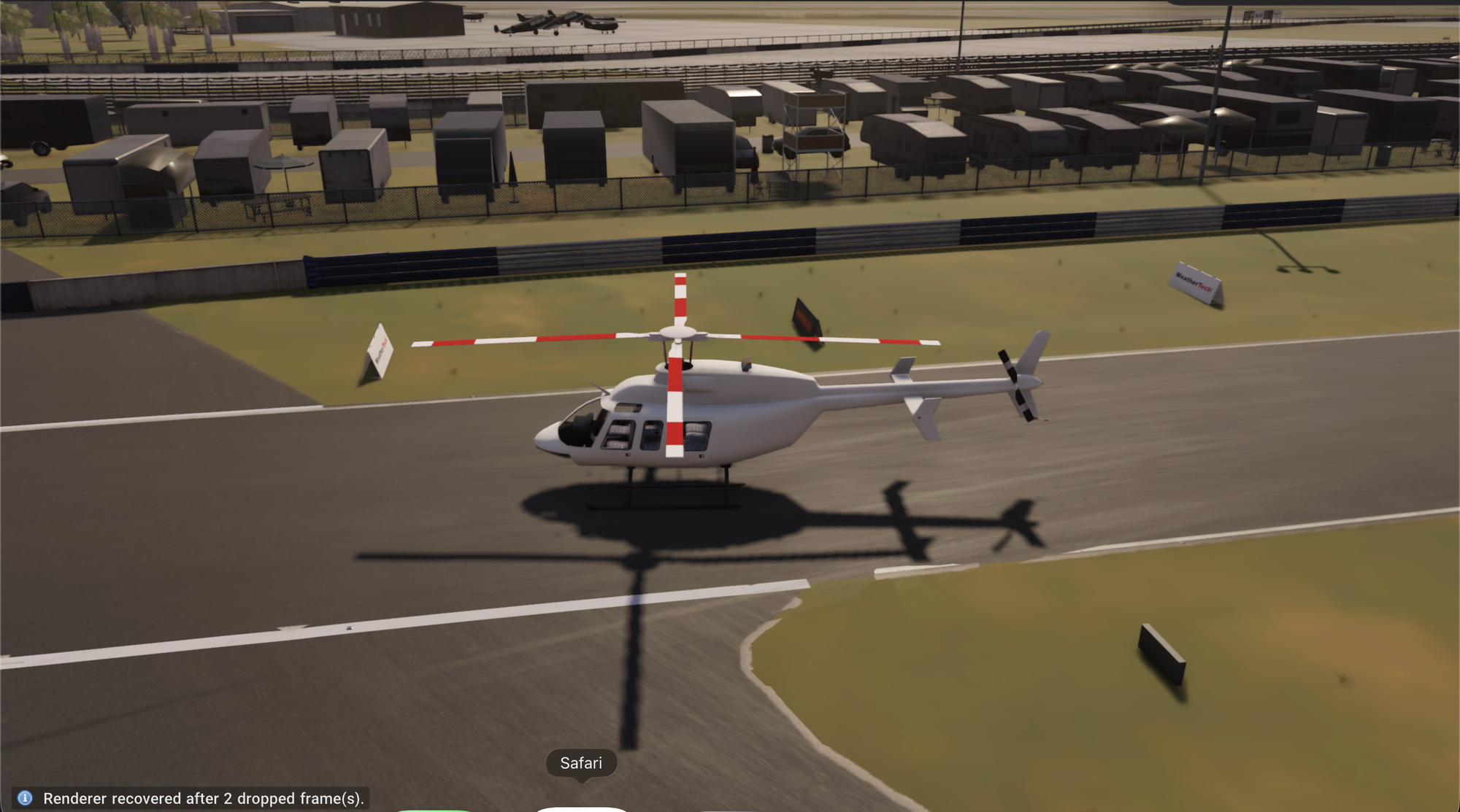
Choose a vehicle in your library to install it in this game. The panel then lists its configurations under Choose a configuration to spawn. Pick one to spawn it and drive it. Spawning can take a minute.
If the game can't import a vehicle from a file, the panel tells you. Check that the archive is a complete BeamNG vehicle mod.
Delete from your library
Each item has a delete button that removes it from your cloud library. A map or vehicle already installed in the running game stays there until the session ends.
Other ways to load content
- Upload before you play. Add files under Mods on the dashboard. See Upload and share mods.
- Start from an experience. The experiences on the Play tab load their map and vehicles for you. See Find your way around OpenBeam Cloud.
- Let an agent do it. Over MCP, an AI app can install archives, load levels and spawn vehicles. See OpenBeam MCP tools.
The library has limits on how many mods and how much space you can use. See Session, usage and storage limits.