
OpenBeam Cloud is open for the beta
Launch a soft-body simulation in your browser, crash it, record it and take the data with you. Here is how to get in.

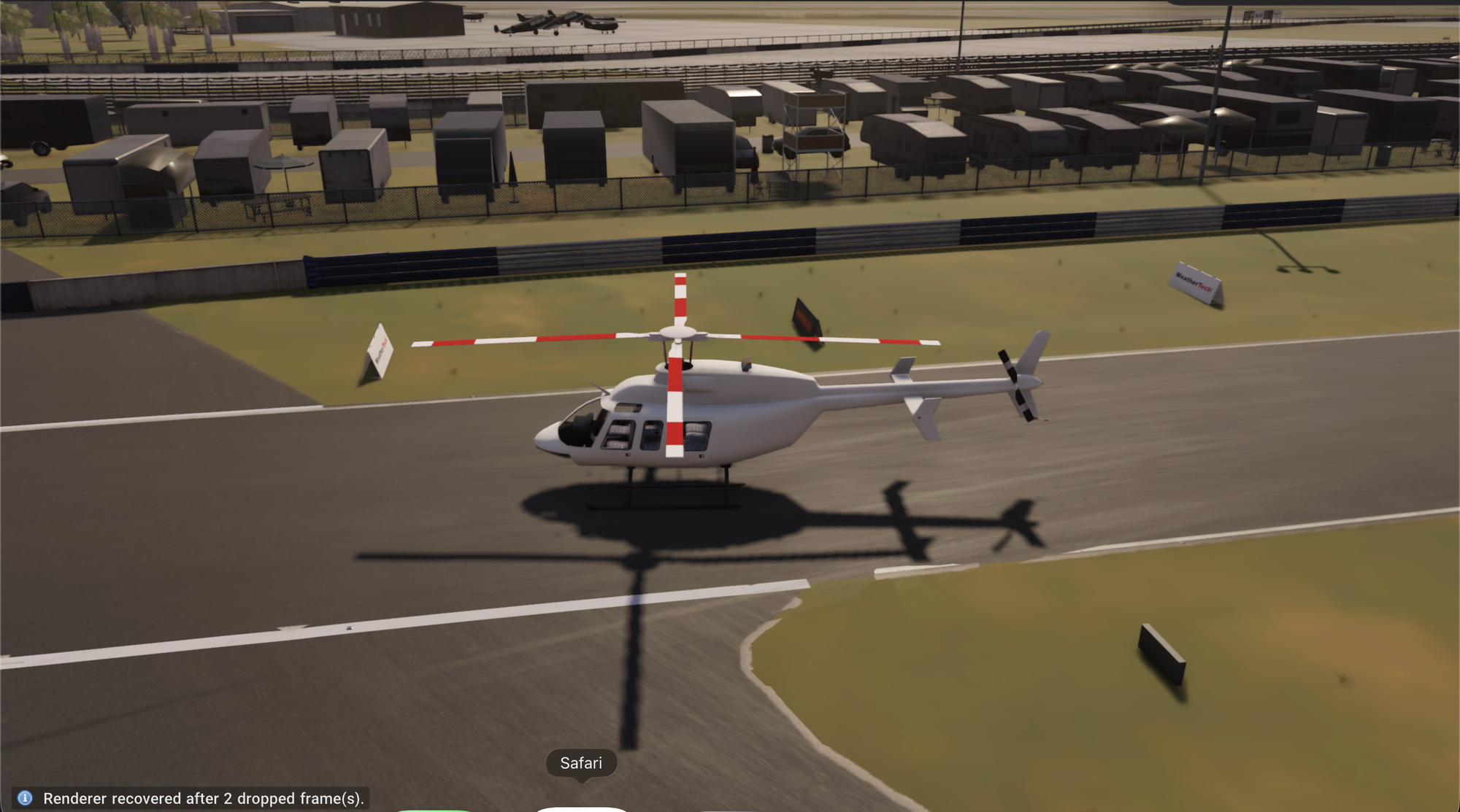
OpenBeam Cloud is open for the beta. You can now launch a soft-body simulation in your browser, record it, and take the data with you. There's nothing to install.
How to get in
- Open cloud.openbeam.world in Chrome or Edge on a Mac or PC.
- Choose Sign in with openbeam.world and use the email address this message was sent to.
- If your account is already approved, you land on your dashboard. If not, you're on the list: we're letting people in gradually.
What you can do
- Launch an experience. Pick a ready-made scene, such as an off-road climb, a track day or a rocket launch, and drive it live.
- Bring your own content. Upload maps and vehicles as .zip files and load them into any session.
- Record runs. Press Record in the player to save the video with your controls and the engine data on one clock, then download it.
- Connect an agent. Add
https://cloud.openbeam.world/mcpto Claude or Codex, and your AI app can start a session, load maps, spawn vehicles and take screenshots for you.
Pricing
Every account starts on the free beta with 3 simulation hours. Billing opens on October 26. The first 100 people who subscribe to Personal by November 1 keep the founding price of $30 a month for 12 months. See Plans, hours and billing.
Need help?
The docs cover signing in, the player, mods, recordings and MCP. If something breaks or you have an idea, email me at beshoy@openbeam.world.
Beshoy
Founder, OpenBeam