Troubleshooting sessions
What the messages you see when starting or playing a session mean, and what to do about each one.
This page lists the messages OpenBeam Cloud shows when a session can't start or ends unexpectedly, with what to do next.
Starting a session
| Message | What it means | What to do |
|---|---|---|
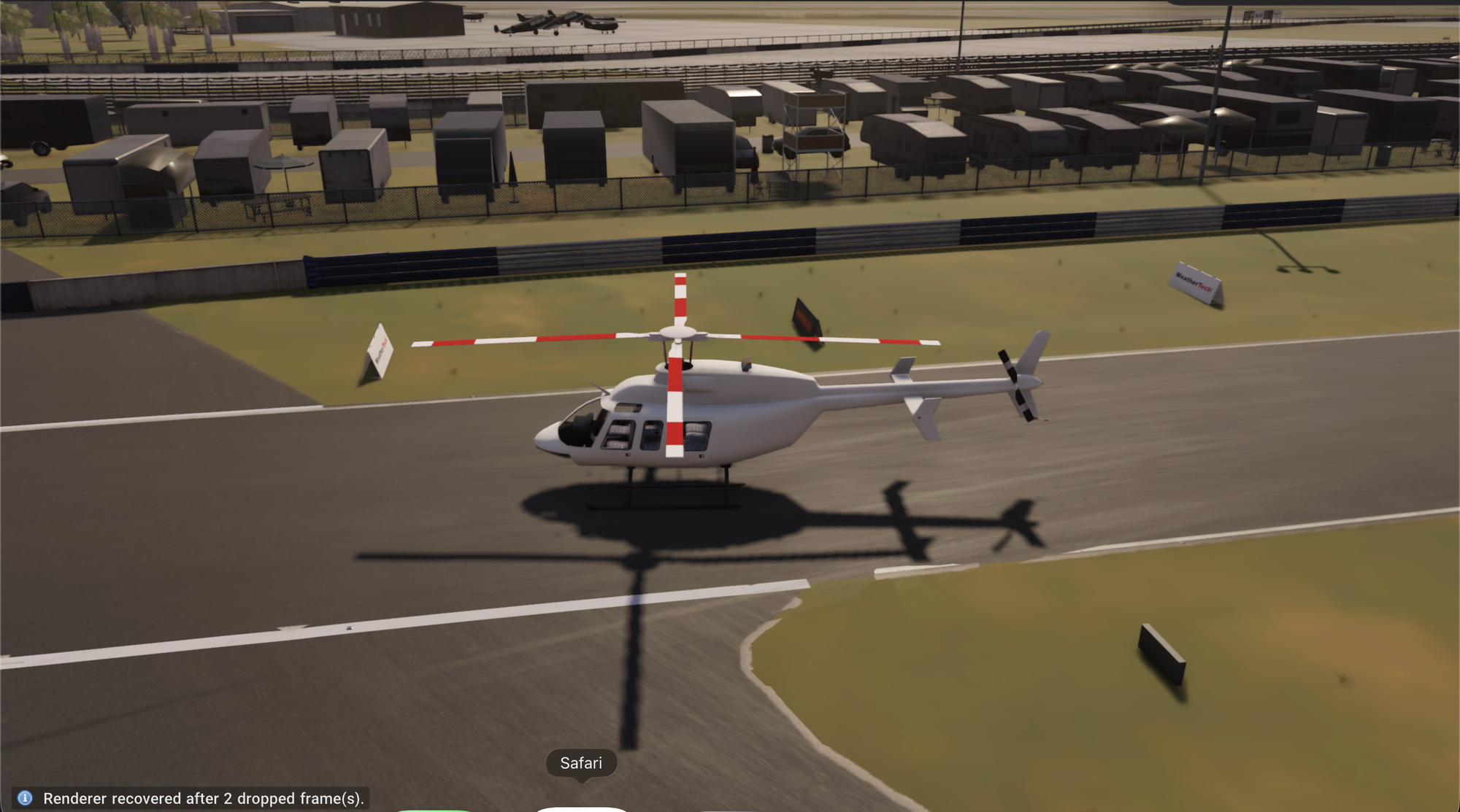
| OpenBeam Cloud does not support Safari or the browsers on iPhone and iPad yet | Your browser can't stream yet. | Open OpenBeam Cloud in Chrome or Edge on a Mac or PC. |
| This browser cannot stream OpenBeam Cloud (it has no WebTransport) | Your browser lacks a feature the stream needs. | Use Chrome or Edge on a Mac or PC. |
| Starting another server for you. | Every GPU was busy, so another server is starting. | Wait; this can take a few minutes. |
| All GPUs are busy right now or No server came free in time | No server could take your session. | Try again in a few minutes. |
| End your other session? | You already have a session running in another tab or on another device. | Choose End it and play here, or go back to the other one. |
| Your OpenBeam Cloud access is not active | Your account doesn't have access right now. | Check your membership on openbeam.world. See Sign in to OpenBeam Cloud. |
| This invite's game session has been used | Your beta invite's sessions are used up. | You need a new invite to start another session. |
| Add … to your Mods library before launching this experience | The experience needs a map or vehicle you don't have. | Upload it under Mods, then try again. |
| Could not reach OpenBeam Cloud. Check your connection. | Your browser couldn't reach our servers. | Check your internet connection and reload. |
When a session ends
| Message | What it means | What to do |
|---|---|---|
| The session reached its time limit. | The session ran for its maximum length. | Start a new session. See Session, usage and storage limits. |
| The player was away for too long. | The player tab was closed or disconnected for more than 5 minutes. | Start a new session. Next time, rejoin from Play within 5 minutes. |
| The player took too long to connect. | The player tab didn't open or connect in time after the server was ready. | Press Play again and keep the player tab open. |
| The stream from the desktop was lost. | The video stream from the server dropped. | Check your connection and start a new session. |
| The game closed. Start a new session to play again. | The game exited, for example after you quit from its menu. | Start a new session. |
| The game stopped while starting | The game failed to start. | Go back and press Play to try again. |
| The desktop could not start. | The server couldn't start your session. | Try again. If it keeps happening, email us. |
| The server is restarting. | We're updating the server. | Start a new session. |
| The session was stopped. | The session was ended, for example with Leave, from another tab, or by a connected AI app. | Start a new session if you want to keep going. |
During a session
- The picture stutters or blurs: lower the bitrate in the player toolbar, or use a wired connection. See Browser and network requirements.
- Keys like Escape don't reach the game: go fullscreen. Ctrl+Alt+Shift+Q releases the mouse and leaves fullscreen.
- A map or vehicle won't load: check that the
.zipis a complete BeamNG map or vehicle mod. See Load maps and vehicles in a session.
Still stuck? Email Beshoy@openbeam.world with the time and what you saw.